
Top Free STEM Toys for Kids Who Love Coding & Engineering
What makes a free STEM toy truly educational? It’s not just the price tag. Free tech toys are exactly what they sound like: real, hands-on learning tools that cost you nothing. No hidden fees, no subscriptions, no in-app purchases. Just a digital or printable kit that teaches coding, engineering, and problem-solving through play.
For parents who want to spark a lifelong passion for technology without breaking the bank, these free resources are a game-changer. They level the playing field, giving every child access to the same creative tools used by young innovators around the world. The best part? You can start today, right now, with just a computer or tablet.
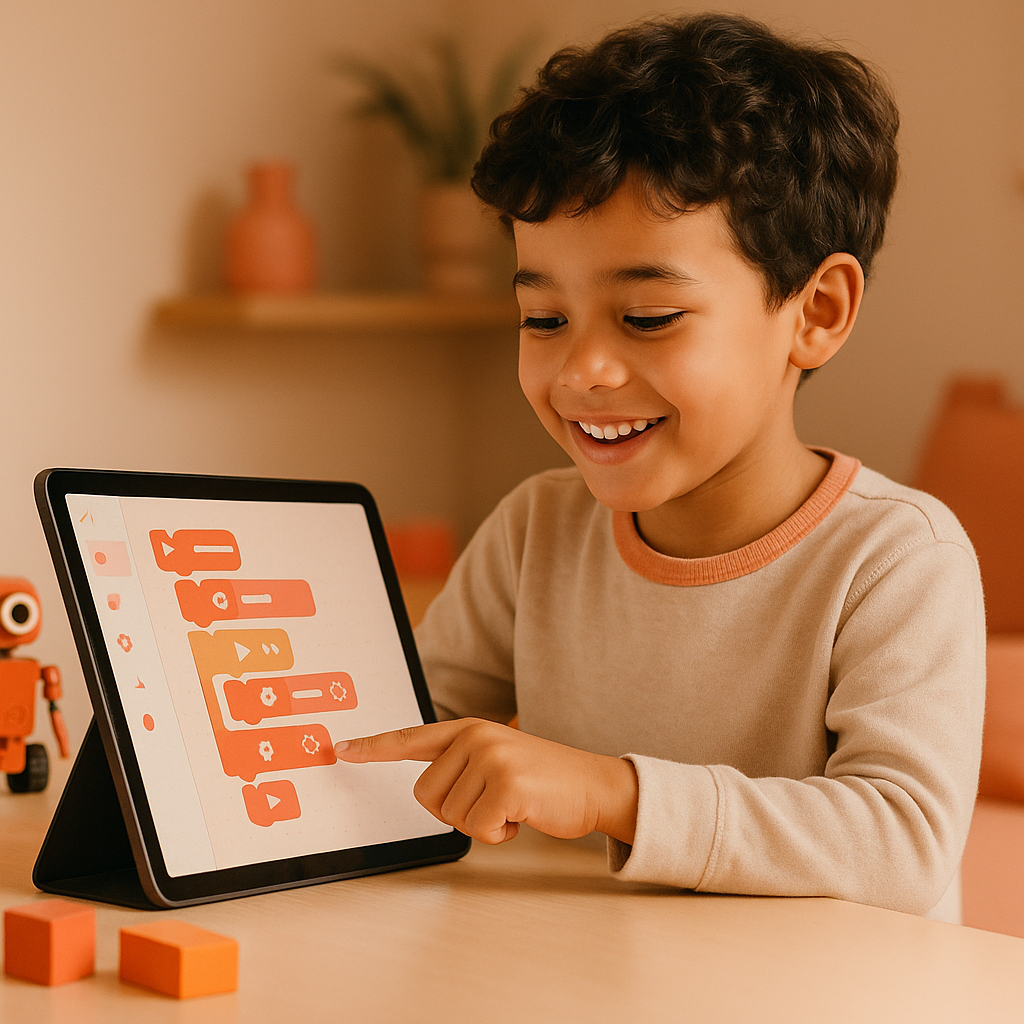
## Why Free STEM Toys Matter for Your Child’s Development
Free resources make STEM accessible to all families, regardless of budget. That’s a big deal. When cost is no longer a barrier, every child gets the chance to explore coding, engineering, and design thinking from an early age.
### Building Essential Skills Through Play
Coding and engineering toys build problem-solving, creativity, and resilience. Kids learn to break down complex problems into smaller steps, test solutions, and try again when something doesn’t work. These are skills that transfer directly to school, future careers, and everyday life.
### Sparking a Lifelong Passion
Early exposure to STEM can spark a lifelong passion for technology and innovation. A single free coding project or 3D design challenge can open a door that leads to a career in robotics, software development, or engineering. And because these tools are free, there’s no risk in trying something new.
## Top 5 Free STEM Toys for Coding Enthusiasts
These five free coding platforms are perfect for kids who love to build, create, and experiment with code. Each one offers a unique approach to learning programming logic.
### Scratch: Visual Programming from MIT
Scratch is a free visual programming language created by MIT for ages 8 and up. Kids drag and drop colorful code blocks to create animations, games, and interactive stories. It’s the gold standard for introducing coding concepts without typing a single line of syntax. Visit Scratch to get started.
### Code.org: Interactive Tutorials for All Ages
Code.org offers interactive coding tutorials and games for learners of all ages. Their Hour of Code activities are a fantastic way to dip a toe into programming. The platform features famous characters from Minecraft, Star Wars, and Frozen to keep kids engaged. Check out Code.org for free courses.
### Tynker: Free Coding Courses with Puzzles
Tynker provides free coding courses with puzzles and projects that teach programming fundamentals. Kids can learn to build apps, mod Minecraft, and control drones. The free tier includes plenty of content to keep young coders busy for hours.
### Blockly: Google’s Drag-and-Drop Tool
Blockly is Google’s drag-and-drop coding tool for beginners. It’s the engine behind many other coding apps and teaches the same logic used in professional programming. Kids can see the JavaScript code generated by their blocks, making the transition to text-based coding seamless.
### Swift Playgrounds: Apple’s iPad Coding App
Swift Playgrounds is Apple’s fun, iPad-based coding app that teaches the Swift programming language through puzzles and interactive lessons. It’s completely free and requires no prior coding experience. Perfect for kids who already use Apple devices.
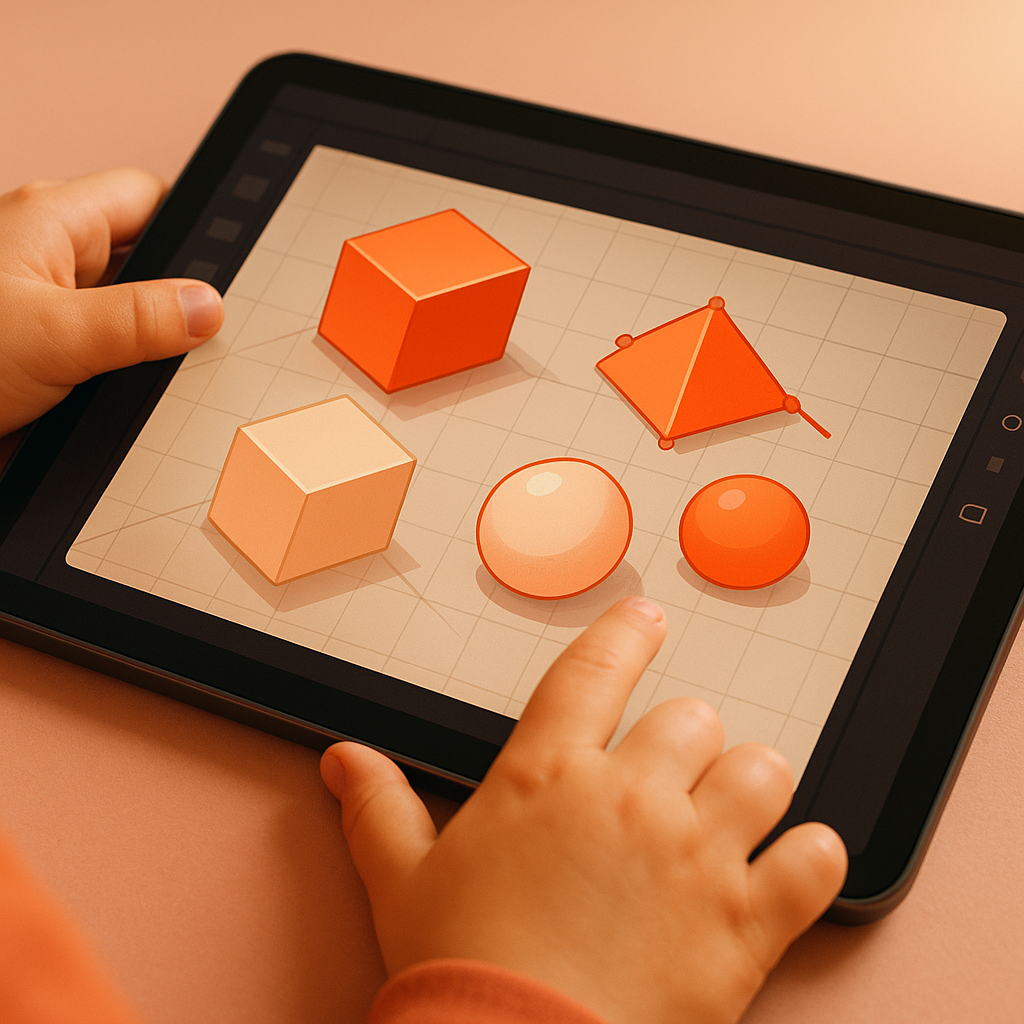
## Best Free Engineering Toys and Kits for Budding Builders
Engineering is all about designing, building, and testing structures and machines. These free tools let kids do exactly that, right from their screen.
### LEGO Digital Designer: Virtual Building
LEGO Digital Designer is free 3D building software for creating virtual LEGO creations. Kids can design anything from a simple house to a complex robot using digital bricks. It’s a fantastic way to explore engineering concepts without needing a physical LEGO collection.
### Tinkercad: 3D Design and Electronics
Tinkercad is a free online 3D design and electronics platform from Autodesk. Kids can create 3D models, design circuits, and even simulate Arduino programming. It’s incredibly intuitive and used in schools worldwide. Visit Tinkercad to start designing.
### Minecraft Education Edition: Engineering Challenges
Minecraft Education Edition offers a free trial with engineering challenges that teach problem-solving and collaboration. Kids can build bridges, create redstone circuits, and design sustainable cities. It’s learning disguised as play.
### AutoCAD for Kids: Basic CAD Software
AutoCAD for Kids provides free basic CAD software for young designers. While the full professional version is complex, the educational resources and simplified tools are perfect for introducing computer-aided design.
### Paper Circuits: Low-Cost, Free Tutorials
Paper circuits use low-cost materials like copper tape, LEDs, and coin cell batteries. Free online tutorials guide kids through creating light-up greeting cards, bookmarks, and simple electronics projects. It’s a hands-on introduction to circuits without expensive kits.
## How to Choose the Right Free STEM Toy for Your Child
With so many free options, picking the right one can feel overwhelming. Here’s a simple framework to narrow it down.
### Consider Age, Interests, and Skill Level
Start with your child’s age, interests, and current skill level. A 7-year-old who loves building might enjoy LEGO Digital Designer, while a 10-year-old interested in video games might prefer Scratch or Code.org. Match the tool to the child, not the other way around.
### Look for Progressive Challenges
Choose tools that offer progressive challenges and room to grow. The best free STEM toys introduce new concepts gradually, so kids don’t get bored or frustrated. Tinkercad, for example, starts with simple shapes and moves to complex circuits.
### Check Device Compatibility
Make sure the tool is compatible with devices you already own. Most free coding platforms work on PCs, Macs, and Chromebooks. Some, like Swift Playgrounds, are iPad-only. Check system requirements before you start.
### Read Reviews and Try Free Trials
Read reviews from other parents and educators. Many platforms offer free trials of premium features, but the free tier is often enough to keep kids engaged for months. Test a few options to see which one clicks with your child.
## Tips to Maximize Learning with Free STEM Toys
Getting the most out of free STEM toys requires a little planning. These tips will help turn playtime into real learning.
### Set Aside Regular, Distraction-Free Playtime
Set aside regular, distraction-free playtime for STEM activities. Even 20 minutes a day can build momentum. Treat it like a special project, not just screen time.
### Join Online Communities or Local Clubs
Join online communities or local clubs for collaborative projects. Many coding platforms have forums where kids can share their creations and get feedback. Check out Dayra’s home page for more resources and community connections.
### Encourage Experimentation and Celebrate Failures
Encourage experimentation and celebrate failures as learning opportunities. The best engineers and coders fail often. Teach your child that a “bug” is just a chance to learn something new.
### Connect Play to Real-World Applications
Connect play to real-world applications. If your child builds a bridge in Minecraft, talk about how real engineers design bridges. If they code a simple game, discuss how apps and websites work. This bridges the gap between play and purpose.
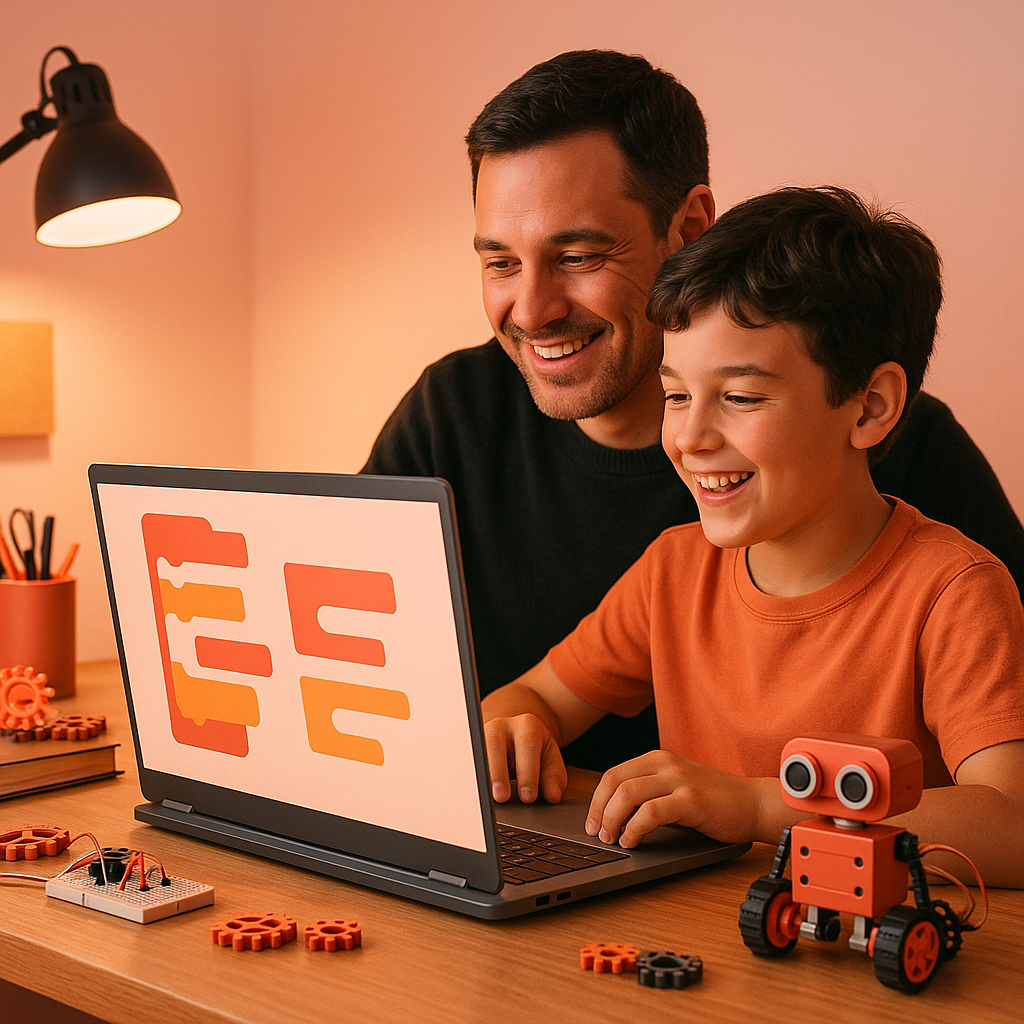
## Conclusion
Free STEM toys are a powerful way to introduce your child to coding and engineering without spending a dime. From Scratch and Code.org to Tinkercad and LEGO Digital Designer, these tools teach real skills that build confidence, creativity, and critical thinking.
The key is to start small, stay consistent, and let your child explore what excites them most. Whether they’re building a virtual robot or designing a paper circuit, every project is a step toward a future filled with possibility.
Ready to discover more free tech toys for your child? Explore Dayra’s boutique for free educational toys and gadgets that spark curiosity and innovation. And don’t forget to check out our toys for ages 8 to 10+ for more hands-on learning fun!